
Sifu Mobile Touch Controls: Best Layout and Settings
By David Lin, Action Game Specialist
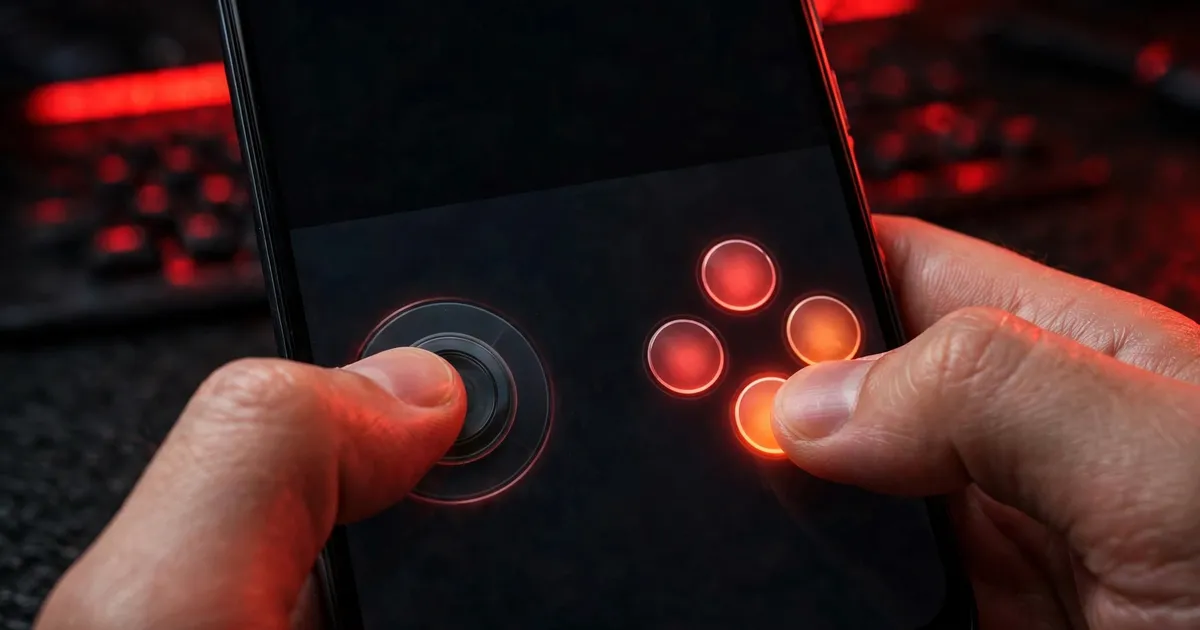
The mobile port redesigned its touch controls rather than mapping console buttons onto glass. Tune the layout and it sings.
The layout changes that matter
- Move dodge to where your right thumb rests naturally; you will press it more than any other button.
- Enlarge the parry button slightly. Parry timing is frame-sensitive and a bigger target helps.
- Keep attack and heavy attack adjacent for combo flow.
- Shrink the camera stick; you adjust the camera rarely in fights.
Sensitivity and assists
Start at default sensitivity and adjust in the prologue, not mid-boss. Turn on any input assist the game offers while learning, then wean off it; assists mask the timing you need for late bosses.
When to switch to controller
If your thumbs cramp in 20-minute sessions or your parry rate plateaus, try a gamepad. Our controller setup guide gets you paired in two minutes, and the prologue is the perfect place to relearn inputs.
Layout rule: dodge under the thumb, parry big, camera small. Test every change in the prologue before a real level.